

Full Guide to File Form 3CA-3CD/3CB-3CD By Gen Bal Software
- knp gst
- Dec 18, 2022
- 3 min read

Simple Definition of Tax Audit Report
In certain specified situations, a business or profession may be subject to a tax audit under Section 44AB of the Income Tax Act. Chartered Accountants prepare audit reports after auditing businesses’ books of accounts in practice. In a Tax Audit, a CA ensures that the books of accounts are properly prepared and that the taxable income is calculated accurately as per the Income Tax Act.
Latest Update
The CBDT has found that by 7 October 2024, over 34.84 lakh income tax audit reports were submitted on the portal for AY 2024-25. Read More
The Income-tax department has released the common offline utility and schema for 3CA-3CD and 3CB-3CD forms for uploading the Audit report u/s 44AB. Download Now
The Tax audit report Forms 3CD, 3CEB and 65 was revised via notification No. 27/2024 /F. No. 370142/3/2024-TPL. Read PDF
CBDT has extended the due date for submitting income tax audit reports to October 7, 2024, from September 30, 2024. Read Circular
The following steps apply to an assessee who is subject to a Tax Audit under Section 44AB of the Income Tax Act, 1961:
Audit the books of accounts by a Chartered Accountant in practice
Form 3CB-3CD or Form 3CA-3CD is filed by Chartered Accountants
Form ITR 3 is filed by the taxpayer
Different Forms 3CA, 3CB, 3CD, 3CE for Tax Audit Report
The Income Tax Department specifies the format of Audit Reports. In Forms 3CA and 3CB, auditors’ information is included, while in Form 3CD, details of the tax audit are included.
Penalties If Not Filed Form 3CD for Tax Audit
In the event that an assessee fails to get their books of account audited as per Section 44AB, the Assessing Officer, or A.O. will impose a penalty under Section 271B. The penalty will be the lesser of the following:
0.5% of the total sales or turnover of the business or 0.5% of the gross receipts of the profession
INR 1,50,000
Filing Deadline for Tax Audit Reports
All assessees who are required to have their accounts audited must submit their Tax Audit Report file one month before they are due to file the income return required under section 139(1). Every year, the deadline for the previous financial year is 30th September.
Why You Should Choose Gen Bal Software for Tax Audit Filing?
Gen BAL is one of the best software to prepare Balance Sheets for accounting professionals. The software has an advanced feature that will automatically calculate P& L statements for the fast practice of balance sheets. It will also allow you to for importing of trial balances directly from third-party popular accounting software such as Tally and Busy. With this software, users can also file 3CA or 3CB forms instantly within the software and upload the forms later. A sample fund flow statement and a cash flow statement are also included.
Using this software, you can prepare audit forms, and annual returns, and calculate depreciation. A powerful feature of our Gen Balance Sheet Software is the ability to directly import data from popular accounting and tax software such as Tally, Busy, MS Excel, and others. According to the Trial Balance provided by the user, the application can automatically generate balance sheets, profit-loss data, trading accounts, and lists.
E-Filing Procedure for Audit Forms 3CA-3CD/3CB-3CD via Gen Bal Software
Step 1:- Install Genius software on your desktop and PC.
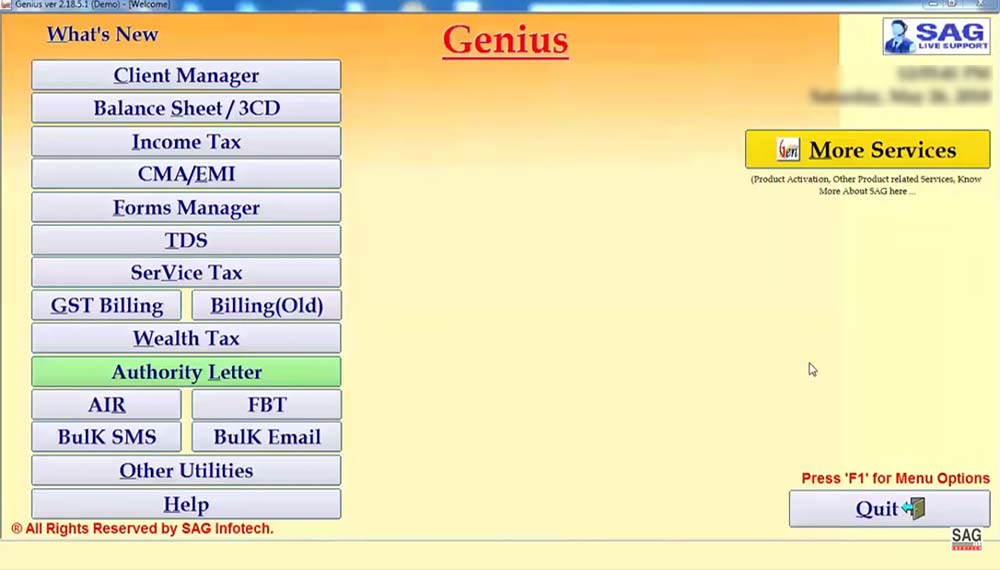
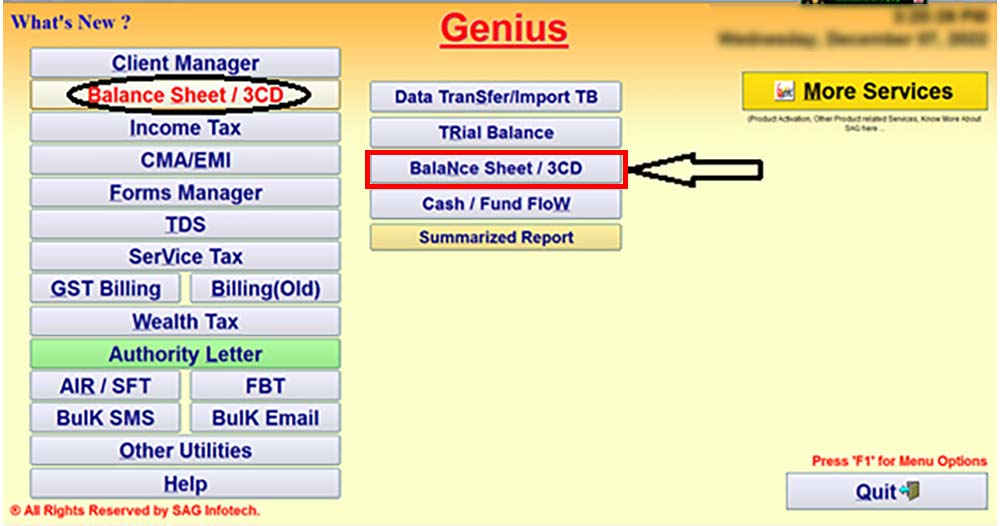
Step 2:- Now, open the software and click on ‘Balance Sheet/3CD’ from the list.
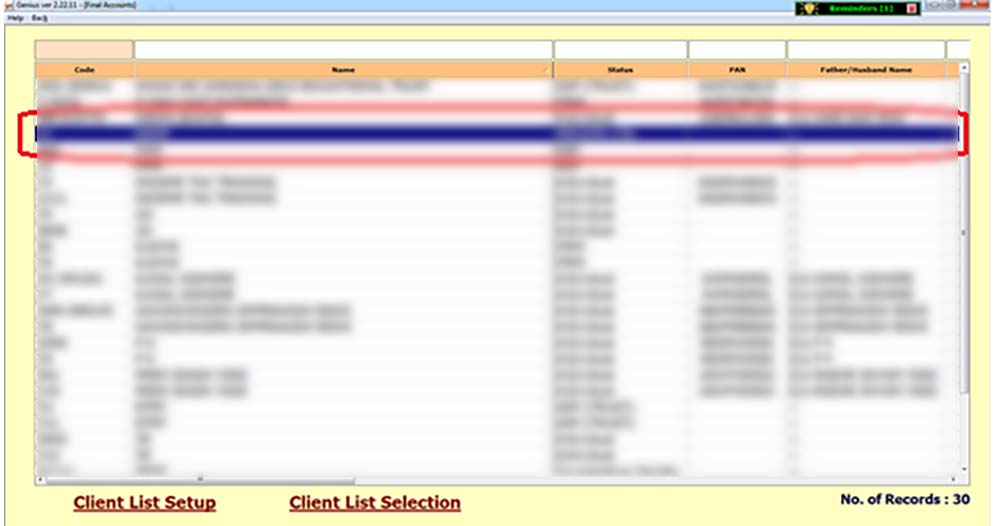
Step 3:- Select the ‘Client and Year’ of which you want to File the Tax Audit Report i.e. 3CA-3CD/3CB-3CD.
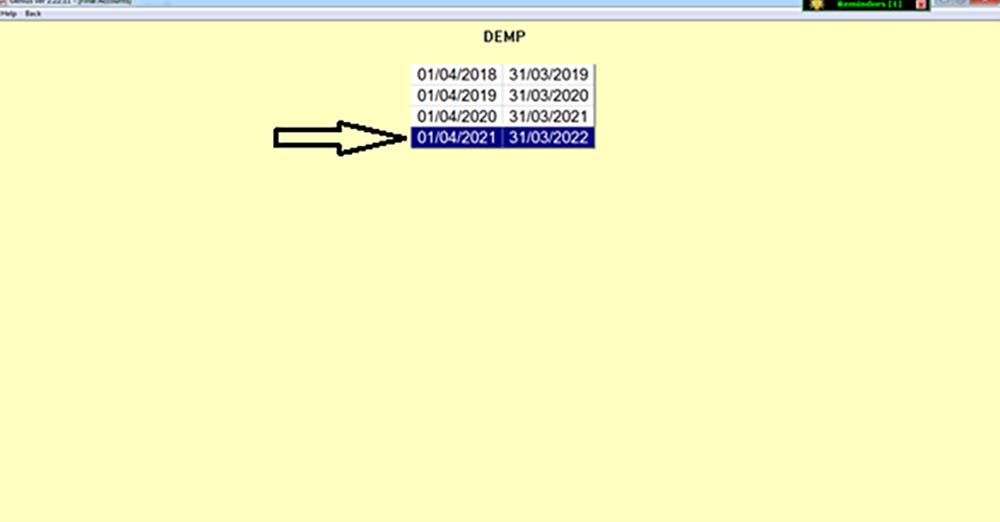
Step 4:- Select ‘Form 3CA-3CD/3CB-3CD’ as applicable to you.
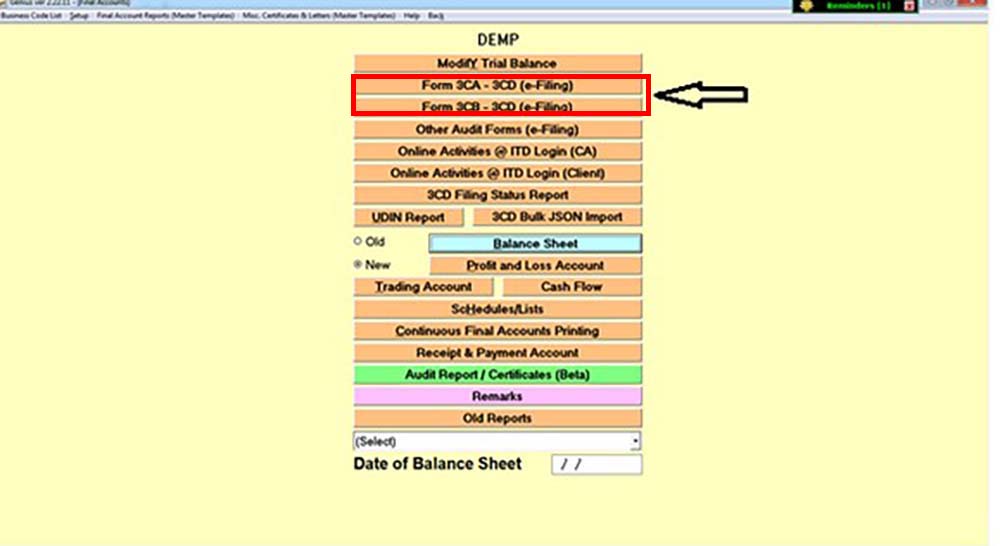
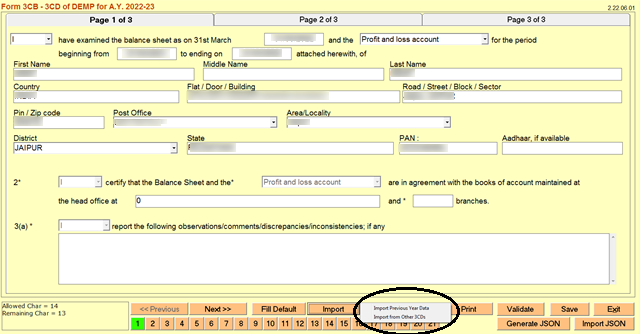
Step 5:- Now fill in the clauses of ‘Form 3CA-3CD/3CB-3CD’ that are applicable to you or you can also import the Data from the previous year or from other 3CDs as well.
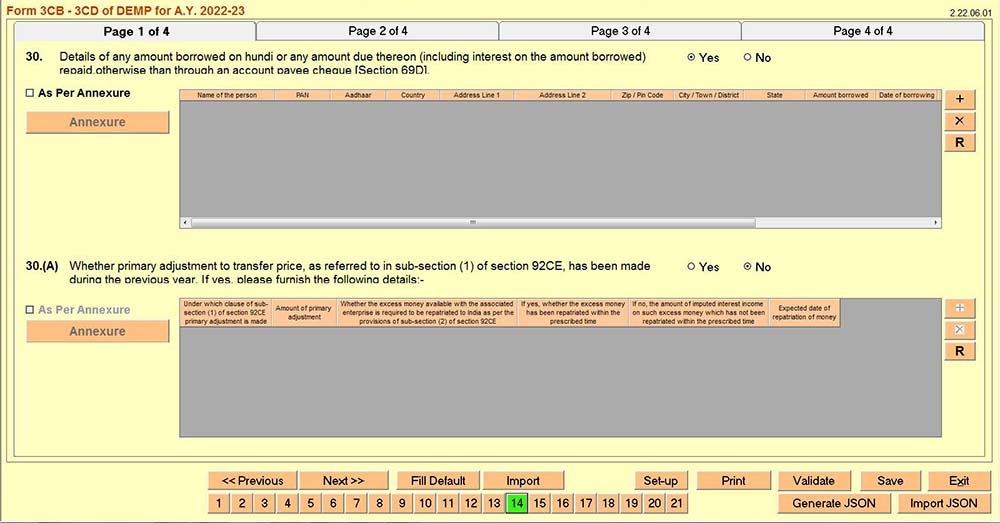
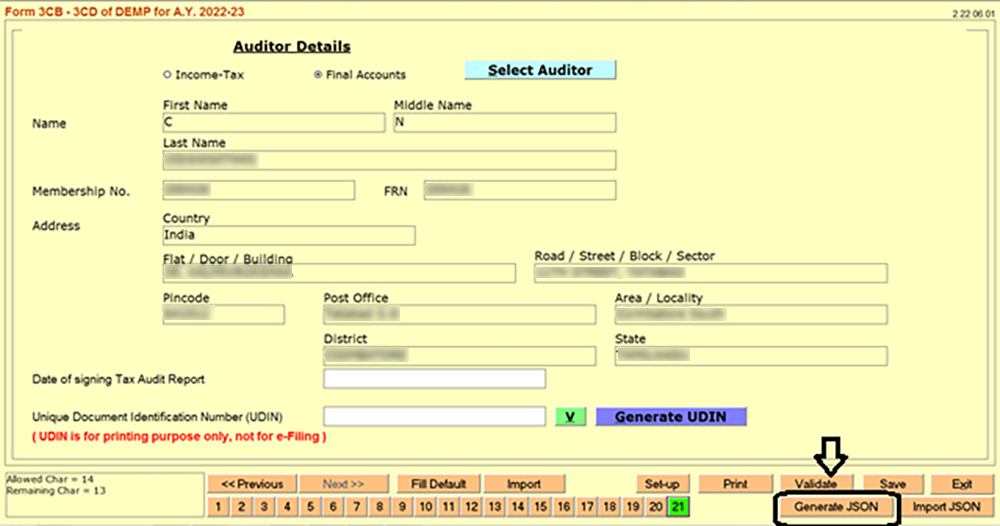
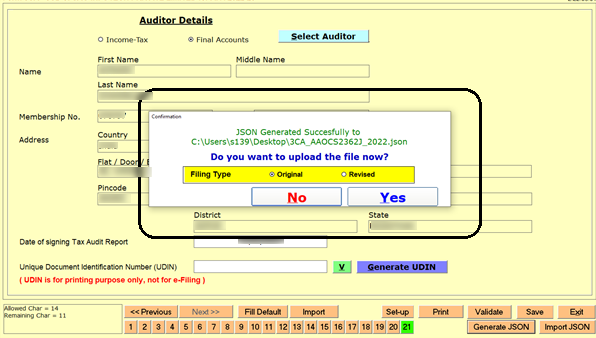
Step 6:- Pop-up will appear as shown in the image below. Click on Yes and Upload the Return.


Comments